Name what makes this video different.
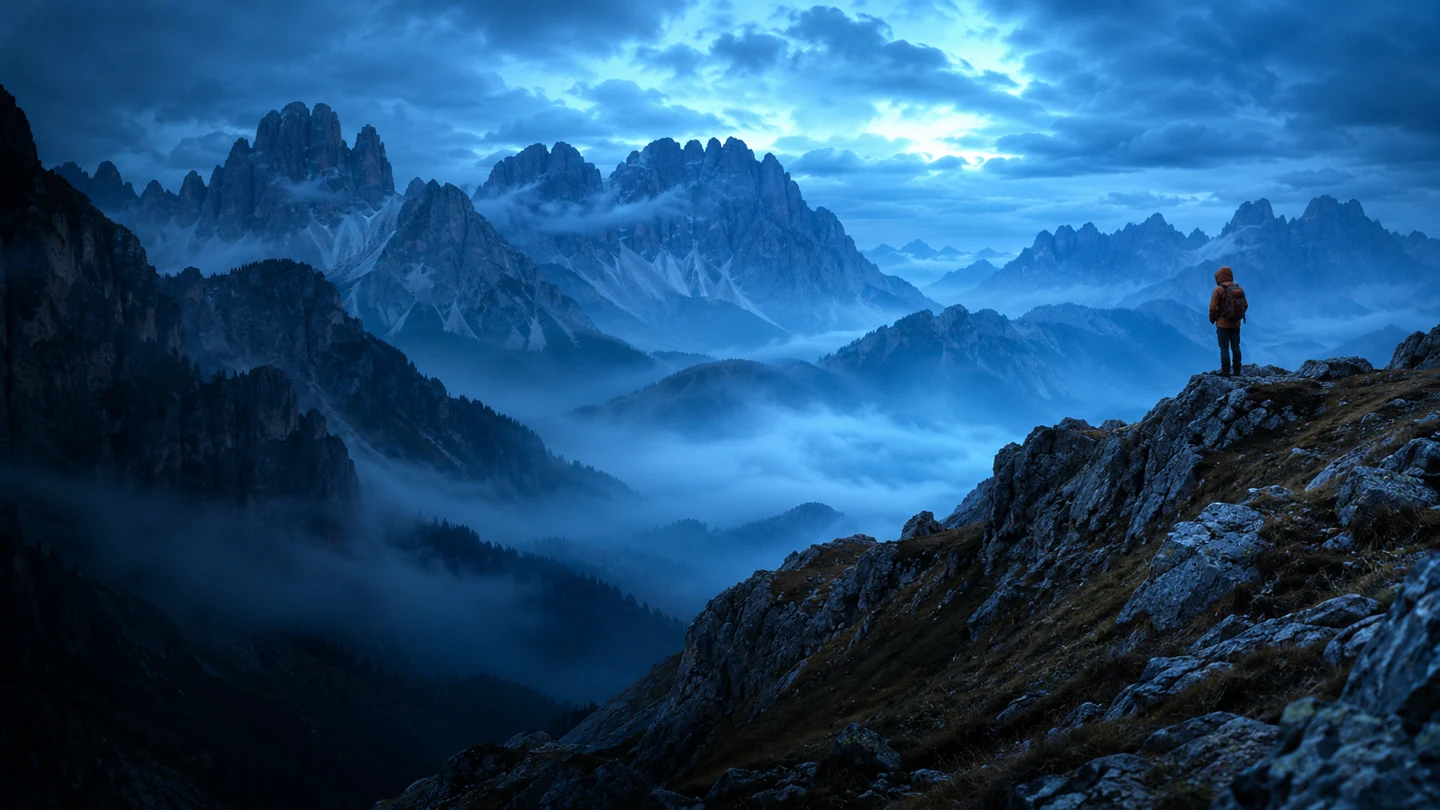
Start by writing the video's most specific subject. A place, result, or constraint works when it is visible in the footage. If your hike crosses the Tre Cime Loop, its name is a better detail to lead with than a generic warning.
Let the thumbnail add a second clue.
Pick one frame you can read at a small size. Put the hiker on the ridge and let the title supply the route. A viewer should be able to connect the two without reading a line of small text.
Check the title against the first scene.
Read the title, then play the first ten seconds. If you promise the ridge, make sure someone who clicked for it can tell that they are in the right video.